

In the fast-paced world of gaming, every millisecond counts. Gamers often find themselves in a heated debate over the merits of motion blur. Does it boost frames per second (FPS) or just add a smudge to their epic battles? Picture this: you’re dodging bullets and slaying dragons, but does that swirling blur help or hinder your performance?
Understanding Motion Blur
Motion blur refers to the visual effect where fast-moving objects appear blurred, simulating how the human eye perceives movement. Gamers often debate whether this effect improves performance or serves as a distraction.
What Is Motion Blur?
Motion blur occurs when images shift quickly across the screen. This blurring creates a sense of speed and fluidity in gameplay. In video games, motion blur enhances realism by mimicking how real-life cameras capture fast movements. It can sometimes improve visual clarity during rapid actions, but excessive use may hinder a player’s ability to focus on key elements.
How Does Motion Blur Work?
Motion blur operates by blending multiple frames into a single image. This blending reduces the sharpness of fast-moving objects, providing a smoother visual experience. During intense gameplay, a game engine samples the scenes and calculates the frames that are in motion. As a result, it creates a blurred effect that helps maintain immersion while potentially affecting frame rates. Optimally, developers adjust this feature to balance performance and visual appeal.
The Relationship Between Motion Blur and FPS
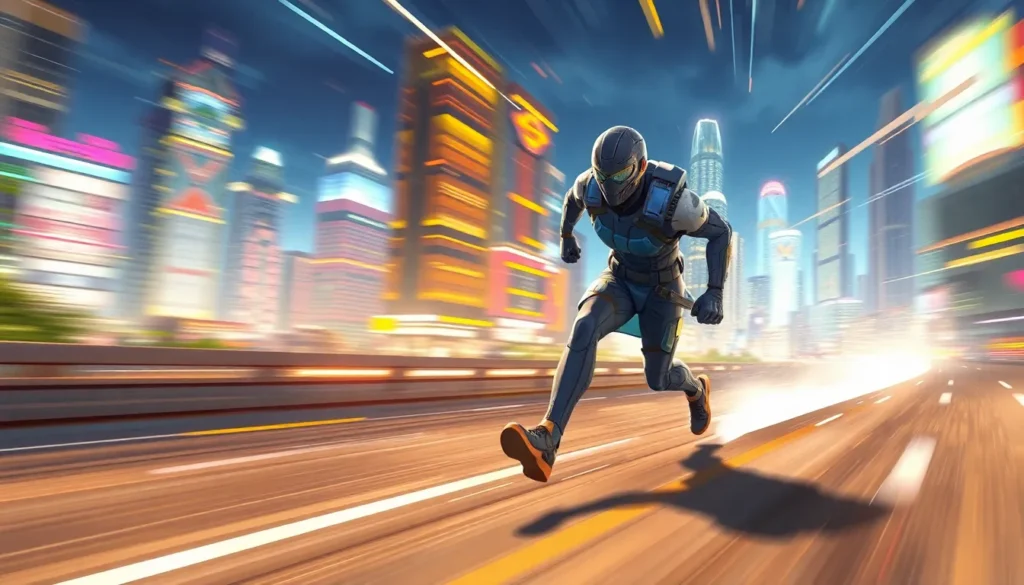
Motion blur affects the visual performance of video games, but its impact on FPS remains debated among gamers. Understanding this relationship requires examining specific aspects of motion blur.
Can Motion Blur Improve FPS?
Motion blur can enhance the perception of fluidity in fast-paced scenes, leading to an improved visual experience. Although it doesn’t directly increase FPS, it reduces the noticeable stuttering during rapid movements. Gamers often find that with motion blur enabled, their experience feels smoother even if the FPS remains constant. Some titles implement motion blur as a way to optimize performance by offloading processing from frame rendering. When developers fine-tune this effect, it can create a visually appealing experience that obfuscates lower frame rates.
The Science Behind Motion Blur
Motion blur occurs when an object moves quickly across the screen, resembling how human vision captures movement. The human eye perceives this blur as a single image rather than a series of static frames. Developers use algorithms to simulate this effect, blending multiple frames together when an action happens rapidly. Techniques vary in complexity, impacting computational demands and performance. If not balanced correctly, excessive motion blur can distort key details, affecting gameplay. Consequently, game designers seek to achieve an optimal level of motion blur, striking a balance between realism and clarity.
Pros and Cons of Motion Blur
Motion blur in gaming has both advantages and disadvantages that impact player experience. Understanding these aspects helps gamers and developers make informed choices.
Advantages of Using Motion Blur
Motion blur enhances realism, mimicking how real-world motion blurs visuals. It improves the perception of speed, making fast-paced action feel more immersive. Gamers often find smoother transitions between frames, which can reduce the visibility of stuttering. This effect aids in creating a cinematic quality that many players appreciate. Additionally, strategic use of motion blur can draw attention to moving objects while softening static backgrounds, which benefits overall gameplay focus.
Disadvantages of Motion Blur
Excessive motion blur can obscure critical details during intense gameplay. Players may find it challenging to track fast-moving opponents or vital game elements, leading to frustration. Constant motion blur effects may induce visual fatigue, making prolonged play uncomfortable. The implementation of motion blur can also impact performance, potentially lowering frame rates if not optimized correctly. Developers might face a tough balance between maintaining visual prowess and ensuring clarity in fast-paced scenarios.
Best Practices for Implementing Motion Blur
Implementing motion blur effectively enhances visual experience without compromising performance. Gamers and developers should carefully consider their approach.
Optimizing Motion Blur Settings
Balancing motion blur settings ensures clarity remains intact during gameplay. Start by adjusting the intensity of motion blur in game settings to find the optimal level. Developers can employ adaptive techniques, adjusting blur based on frame rate. Testing various configurations under different conditions proves essential for achieving smooth visuals. Utilize frame rate metrics to determine the ideal setting that maintains performance without becoming distracting.
Recommended Hardware for Better Performance
Hardware can significantly affect how motion blur performs in games. A powerful graphics card supports higher frame rates while enabling effective motion blur implementation. Select GPUs with advanced rendering capabilities, as they handle motion blur calculations efficiently. Additionally, ensure the monitor refresh rate aligns with the hardware specs for fluid gameplay. A minimum of 144 Hz proves beneficial for fast-paced games, enhancing the motion blur experience. Upgrading RAM also supports better performance, especially in graphics-intensive scenarios.
Motion blur plays a complex role in gaming performance. While it doesn’t directly increase FPS it can enhance the perception of smoothness during fast-paced action. This effect can create a more immersive experience by mimicking human vision but needs careful calibration to avoid obscuring crucial details.
Game developers face the challenge of balancing realism and clarity. By optimizing motion blur settings and ensuring compatible hardware gamers can enjoy smoother visuals without sacrificing performance. Ultimately the effectiveness of motion blur depends on individual preferences and the specific demands of each game.


