

In the world of gaming, the phrase “frames per second” or FPS isn’t just a number; it’s the heartbeat of every thrilling adventure. Imagine trying to outrun a dragon in your favorite RPG, only to find your screen stuttering like a cat on a hot tin roof. Not fun, right? Understanding what constitutes good FPS can be the difference between a nail-biting victory and a frustrating defeat.
What Is Good FPS?
Good FPS often refers to a range between 30 and 60 frames per second, which many gamers consider acceptable for a comfortable experience. Players recognize that anything below 30 FPS negatively impacts gameplay, leading to stuttered animations and lag. High-end gaming setups frequently push FPS beyond 60, achieving 120, 144, or even higher depending on hardware capabilities. Competitive gamers particularly prefer 60 FPS or higher, as smooth visuals enhance reaction times during high-stakes scenarios.
Optimal FPS can vary based on the type of game. Fast-paced titles, such as first-person shooters, greatly benefit from FPS levels above 60, making graphics fluid and responsive. On the other hand, slower-paced games like turn-based strategy or role-playing games can still offer enjoyable experiences at lower FPS rates. Professional esports events often feature frame rates ranging from 144 to 240, providing players with the best possible visual clarity.
Adaptive technologies also play a role in FPS. G-SYNC and FreeSync dynamically adjust monitor refresh rates according to the frame output of the graphics card. Players experience smoother and tear-free visuals, which significantly enhances gameplay quality. Most importantly, individual preferences can shape the perception of good FPS. Gamers who prioritize visuals may find 30-45 FPS acceptable, while those focused on competitive edge require at least 60 FPS for optimal performance.
By understanding these benchmarks, players can make informed decisions about hardware and settings to achieve the desired gaming experience.
Importance of FPS in Gaming
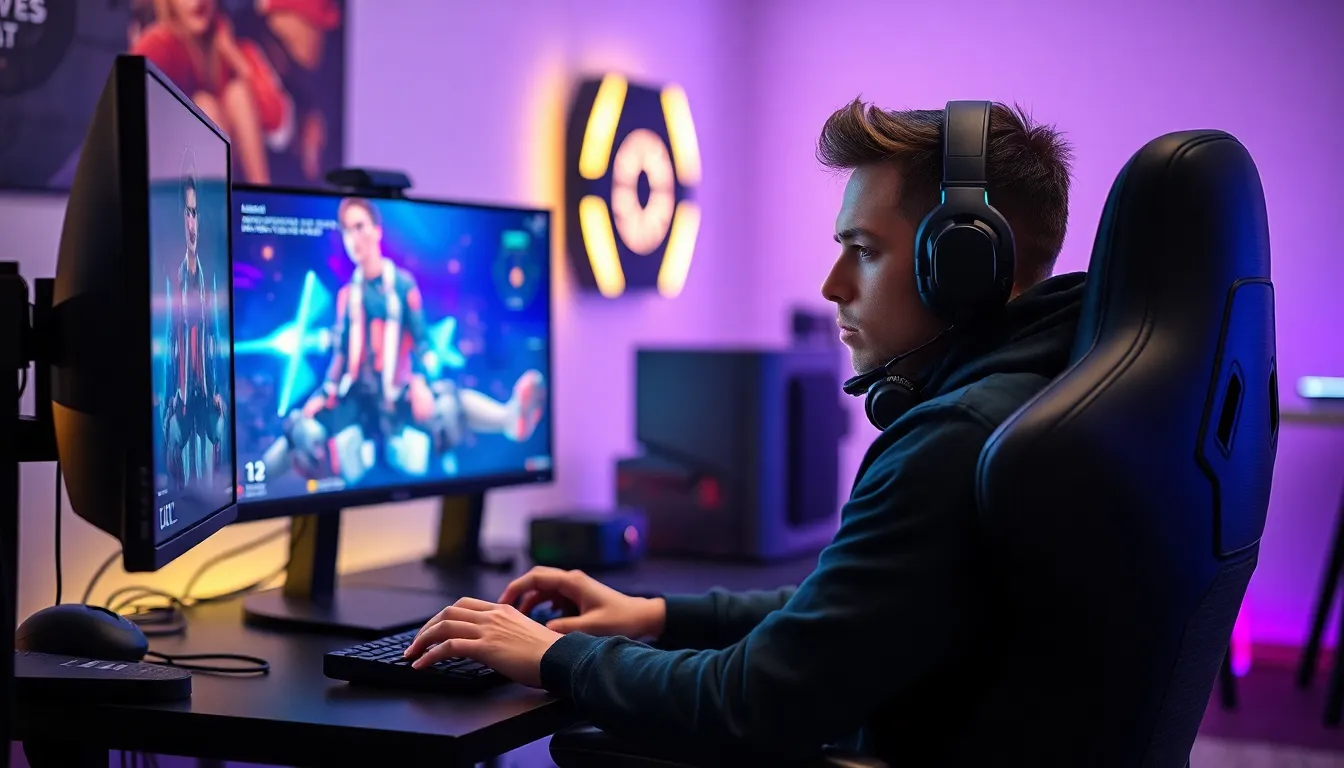
FPS, or frames per second, greatly influences the overall gaming experience. A smoother frame rate ensures players enjoy seamless gameplay and enhanced performance.
Effects on Gameplay
Low FPS leads to stuttering animations and lag, making it difficult to control characters effectively. Players encounter frustration during critical moments, such as escaping from a dragon in a role-playing game. High FPS, typically between 60 and higher, improves reaction times and precision. Gamers in competitive environments often aim for rates exceeding 60 to gain an edge. Fast-paced games benefit more from elevated FPS, as rapid movements rely on fluid visuals. Ultimately, the effects of FPS on gameplay impact enjoyment and success in various gaming genres.
Relation to Refresh Rate
Refresh rate refers to how many times a monitor updates per second, measured in hertz (Hz). Ideally, a monitor’s refresh rate should align with the FPS for optimal visual performance. For instance, a 60Hz display matches well with 60 FPS, providing smooth images. Discrepancies between FPS and refresh rate can lead to tearing and stuttered visuals. Many gaming screens use technologies like G-SYNC and FreeSync to synchronize FPS with refresh rates, enhancing the gaming experience. Understanding this relationship helps gamers choose suitable hardware for peak performance.
Factors That Determine Good FPS
Good FPS results from various factors, including hardware specifications and game optimization techniques.
Hardware Specifications
Hardware specifications significantly influence FPS. A powerful CPU handles complex calculations, while a robust GPU renders graphics efficiently. Systems with ample RAM manage loads smoothly, reducing stutter. Graphics cards with higher VRAM provide better performance for demanding games, allowing for improved detail. Monitors with higher refresh rates contribute to smoother visuals, enabling gameplay that aligns with FPS needs. Selecting compatible components ensures the entire system operates optimally, resulting in a more enjoyable gaming experience.
Game Optimization
Game optimization plays a crucial role in achieving good FPS. Developers design games to run efficiently on various hardware configurations, making optimization essential. Adjusting in-game settings can enhance performance, with lower graphic details often resulting in higher FPS. Optimizing resolution increases clarity without overwhelming system resources. Updates from game developers frequently include performance patches, improving upon initial releases. Additionally, using performance modes on consoles or PCs maximizes FPS while balancing visual fidelity. Gamers should regularly check for game updates to enjoy a smoother gaming experience.
Measuring FPS
Measuring frames per second (FPS) accurately involves using various tools and software tailored for this purpose. Popular applications like FRAPS and MSI Afterburner provide real-time FPS metrics, enabling users to monitor performance during gameplay. Gamers often rely on benchmarking tools to assess system capabilities in specific titles. For example, 3DMark measures a system’s performance against standardized tests, offering valuable insights.
Tools and Software
Numerous tools assist in measuring FPS effectively. FRAPS delivers accurate FPS readings and assists in capturing gameplay footage. MSI Afterburner offers extensive hardware monitoring and allows users to adjust settings for optimal performance. Other utilities like Fraps and Bandicam also provide valuable benchmarks. These tools enable users to analyze performance in various games and detect hardware bottlenecks.
Understanding FPS Metrics
FPS metrics provide crucial insights into gaming performance. A frame rate of 30 FPS offers a playable experience, while 60 FPS significantly enhances fluidity. Competitive gamers frequently seek rates exceeding 60 FPS for quicker reaction times. The metric helps users gauge game responsiveness, visual smoothness, and the overall experience. Understanding these metrics guides gamers in selecting hardware that meets their performance needs, optimizing settings accordingly.
Achieving good FPS is essential for an enjoyable gaming experience. Gamers should aim for a frame rate between 30 and 60 FPS, with higher rates preferred for fast-paced games. Understanding the relationship between FPS and refresh rate can significantly enhance visual performance.
Investing in quality hardware and optimizing in-game settings can lead to smoother gameplay. By monitoring FPS with reliable tools, gamers can make informed decisions about their systems. Ultimately, knowing what constitutes good FPS helps players tailor their setups for the best possible experience.


